
Help Center / Training
Getting help and support
Who to contact and what to include so we can help fast.
Most questions can be answered by your company admin. For anything else, the Entrivo team at XDEYE Digital is ready to help.
1. Start with your company admin
Your admin can add or remove access, reset your password or two-step verification, and connect new apps.
2. Contact Entrivo support
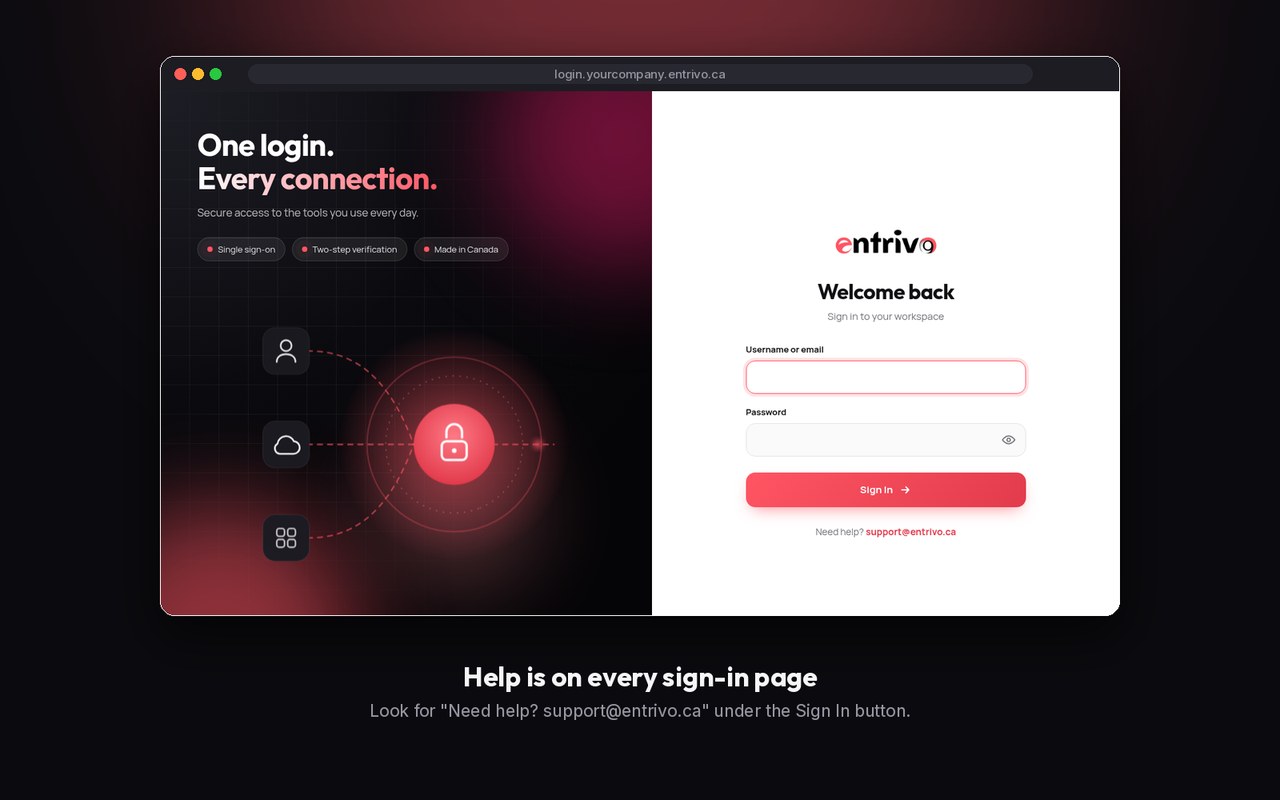
Email [email protected]. The address is also shown on every sign-in page under the Sign In button.
3. What to include
- Your name and company
- What you were trying to do and which app
- Any error message (a screenshot helps)
- Roughly when it happened
Stay safeWe will never ask for your password or your 6-digit codes. Never share them with anyone.
Frequently asked questions
How fast do you reply?
Within one business day.
Where are the other guides?
On this help page: start with What is Entrivo? and Signing in for the first time.