
Help Center / Training
Your applications dashboard
Find and open every app your company has connected, with no extra passwords.
Once you're signed in, all the apps your company has connected to Entrivo are one click away. This guide shows where to find them and how they open.
1. Open Applications
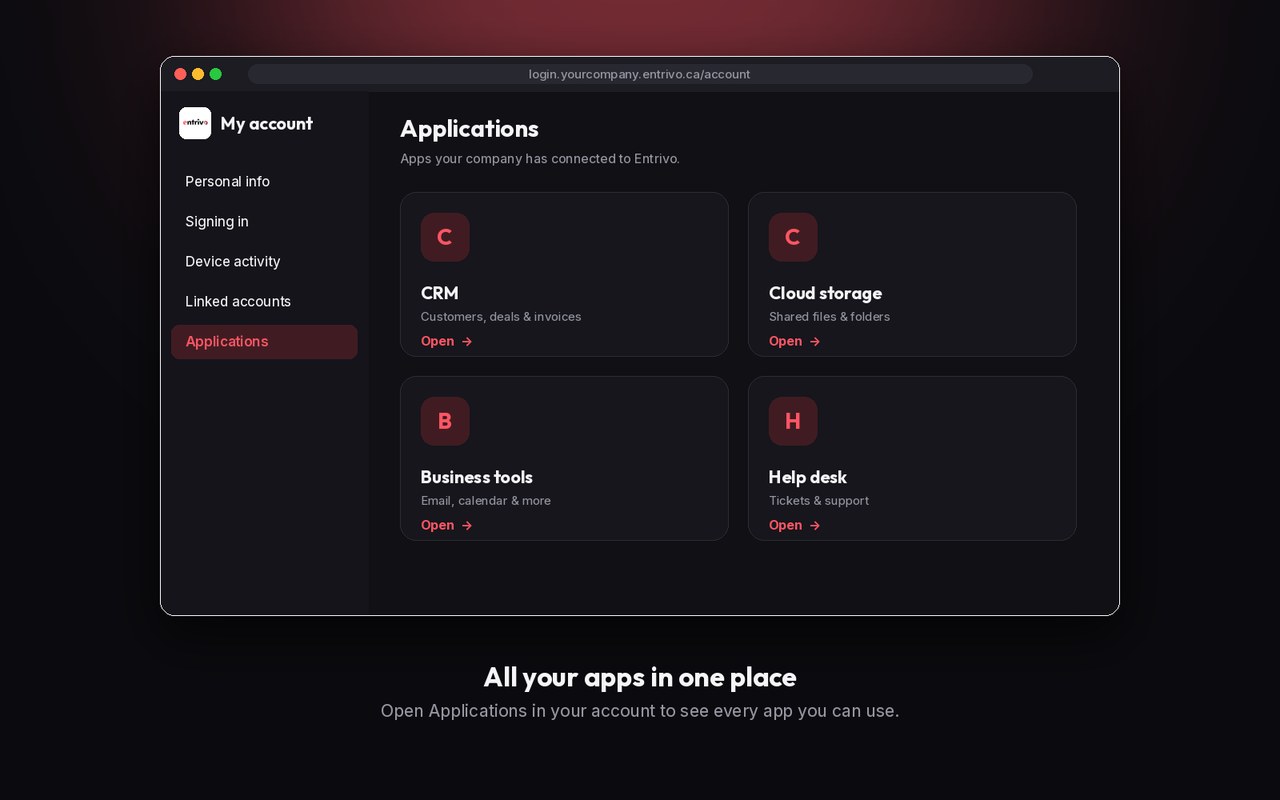
In your Entrivo account, click Applications in the left menu. You'll see each app you can use, with a short description.
2. Click Open
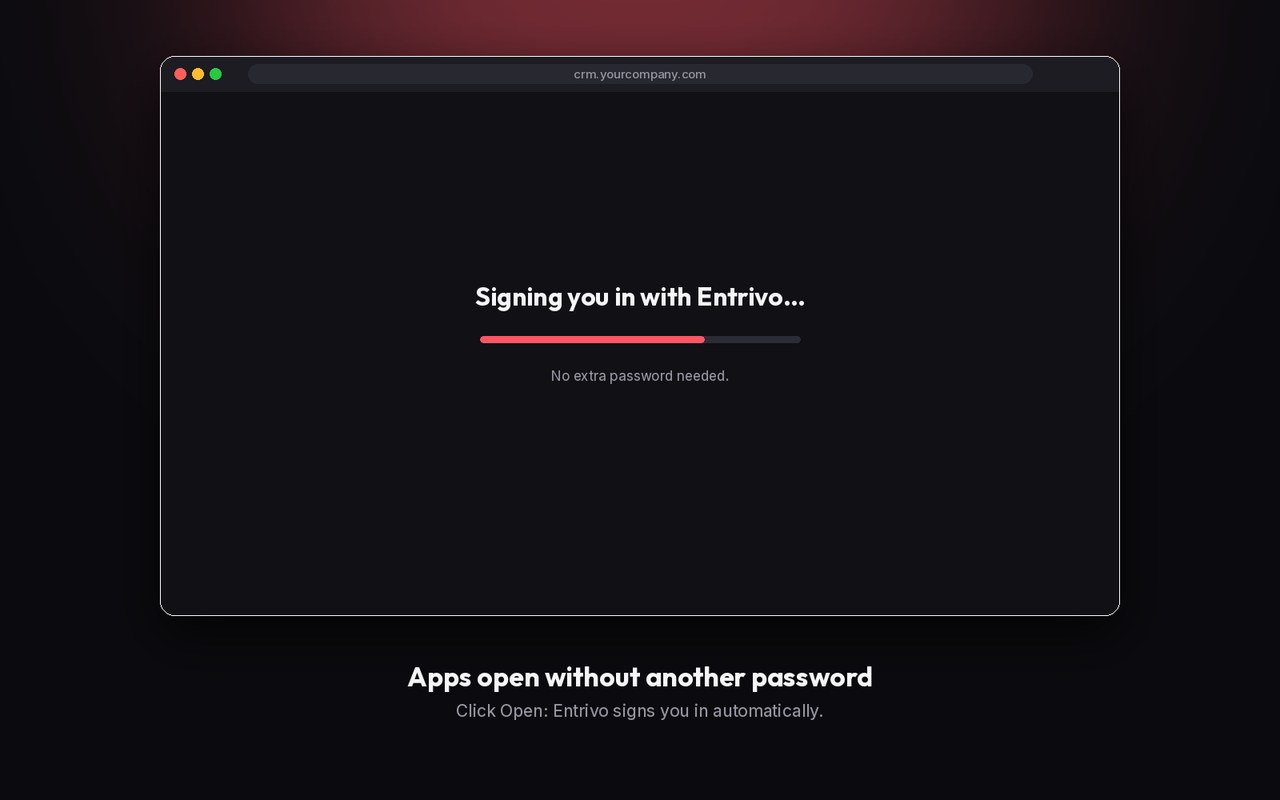
Click Open (or the app's name). The app opens in a new tab and Entrivo signs you in automatically.
TipYou can also go straight to an app’s own website. When it asks you to sign in, choose Sign in with Entrivo.
Good to knowYou only see the apps your admin has given you. If an app is missing, see Adding and connecting your applications.
Frequently asked questions
An app asks me for a password.
Look for a button such as Sign in with Entrivo or SSO on that app’s login page. If there is none, the app may not be connected yet, so contact your admin.
Why does one app look different for my colleague?
Access is set per person or team. Your admin decides which apps each person sees.