
Help Center / Training
Setting up two-step verification
Protect your account with a 6-digit code from your phone, a passkey or a security key.
Two-step verification (also called MFA) means a stolen password is not enough to get into your account. After your password, you confirm it's you with something only you have: your phone.
1. Install an authenticator app
On your phone, install one of these free apps:
- Google Authenticator
- Microsoft Authenticator
- FreeOTP
2. Scan the QR code
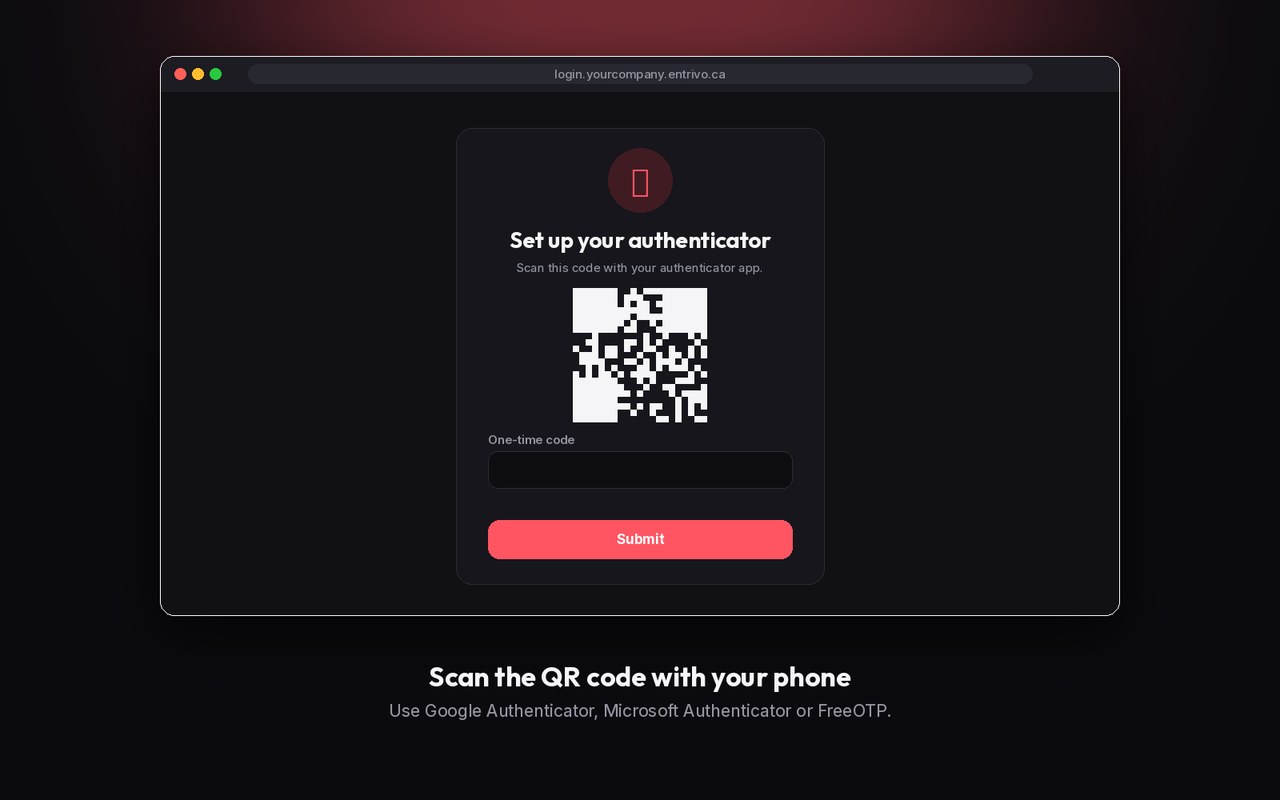
- Sign in. Entrivo shows a QR code the first time (or go to Signing in in your account and choose to set up an authenticator).
- In the authenticator app, tap + and choose Scan a QR code.
- Point your camera at the code on screen.
3. Enter the 6-digit code
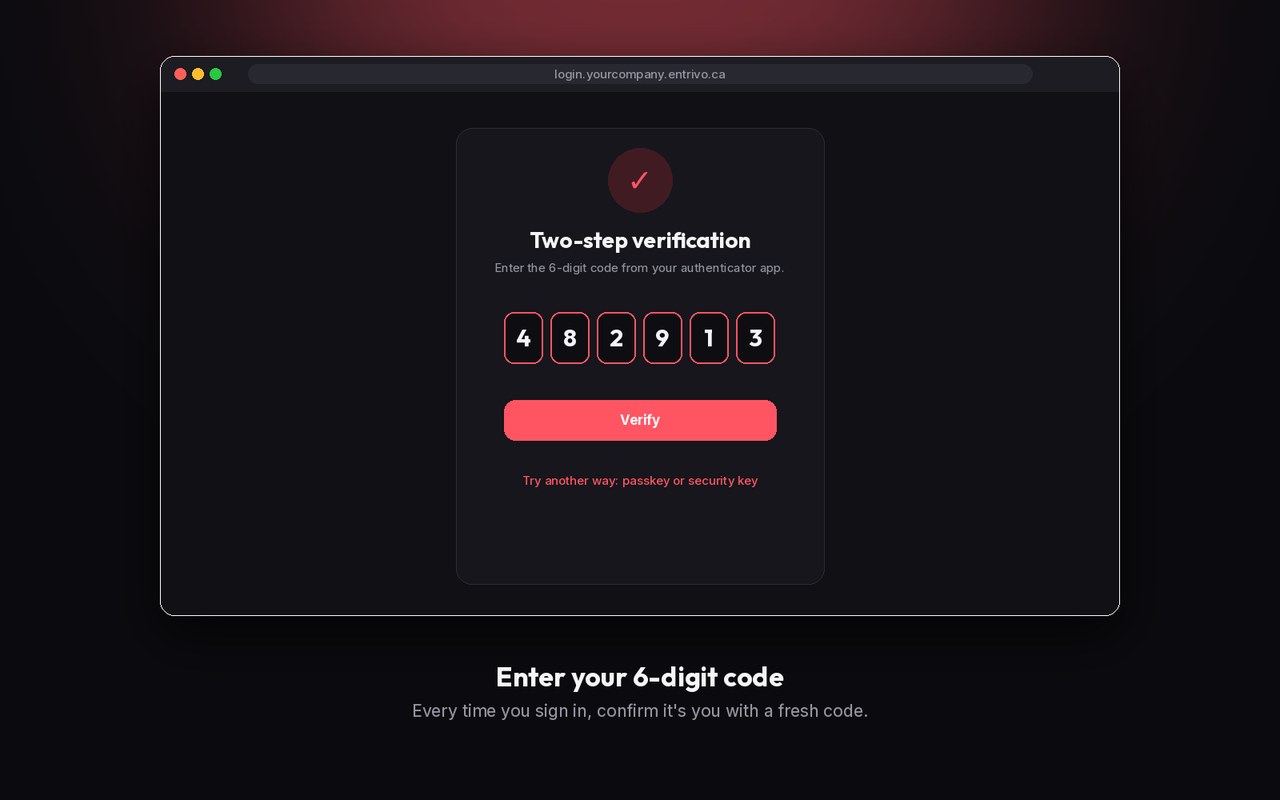
Type the code the app shows and click Submit. From now on, each sign-in asks for a fresh code.
4. Add a backup method
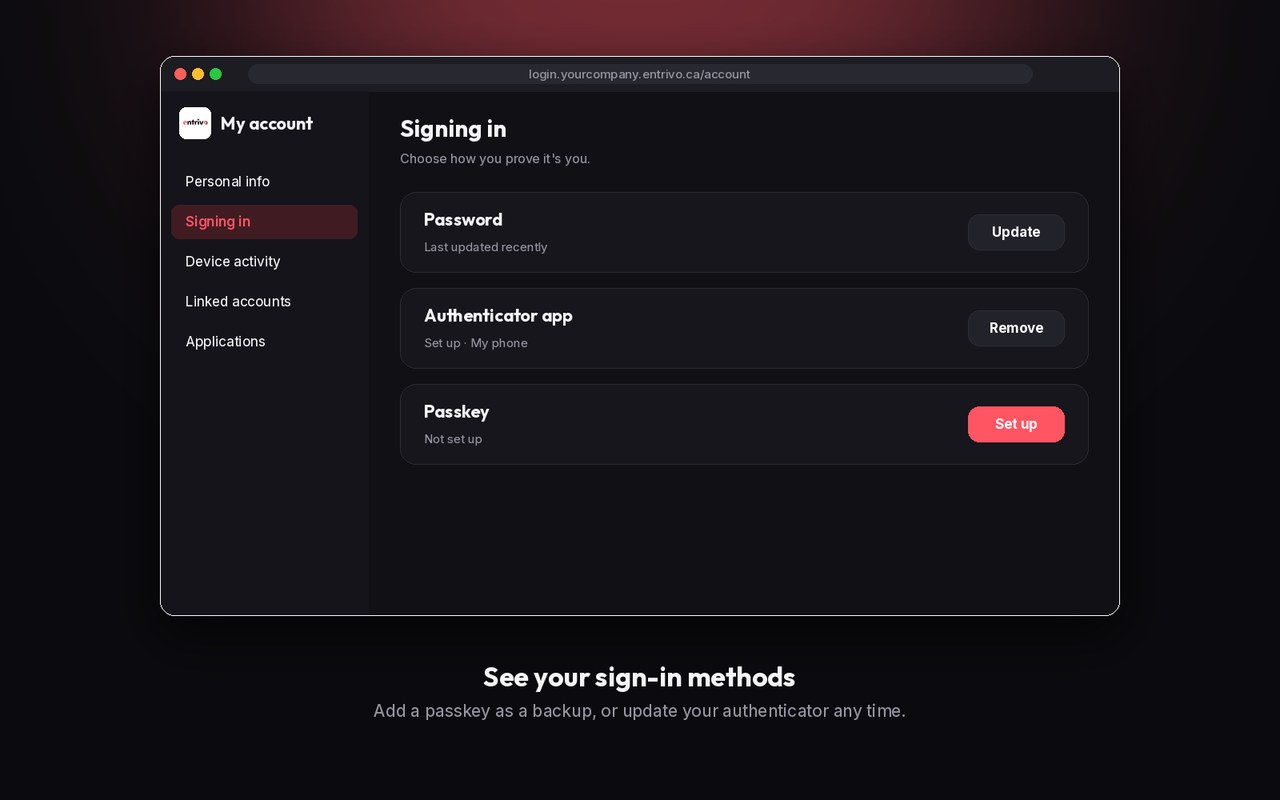
In your account, open Signing in to see your methods. Where available, add a passkey or security key as a backup.
Frequently asked questions
I got a new phone.
Set up the authenticator on the new phone before wiping the old one. If you no longer have the old phone, ask your company admin to reset your two-step verification.
Do I need internet on my phone?
No. Authenticator codes work offline.
Can I skip this step?
No. Two-step verification is required to keep your company’s apps safe.