
Help Center / Training
What is Entrivo?
One secure login for your CRM, cloud storage and business apps, protected by two-step verification and managed by your admin.
Entrivo gives your whole team one secure login for the business apps you already use: your CRM, your cloud storage and your other business tools. You sign in once, confirm it's you with a second step, and every app your company has connected opens without another password. This guide explains what that means for you day to day.
1. One account instead of many passwords
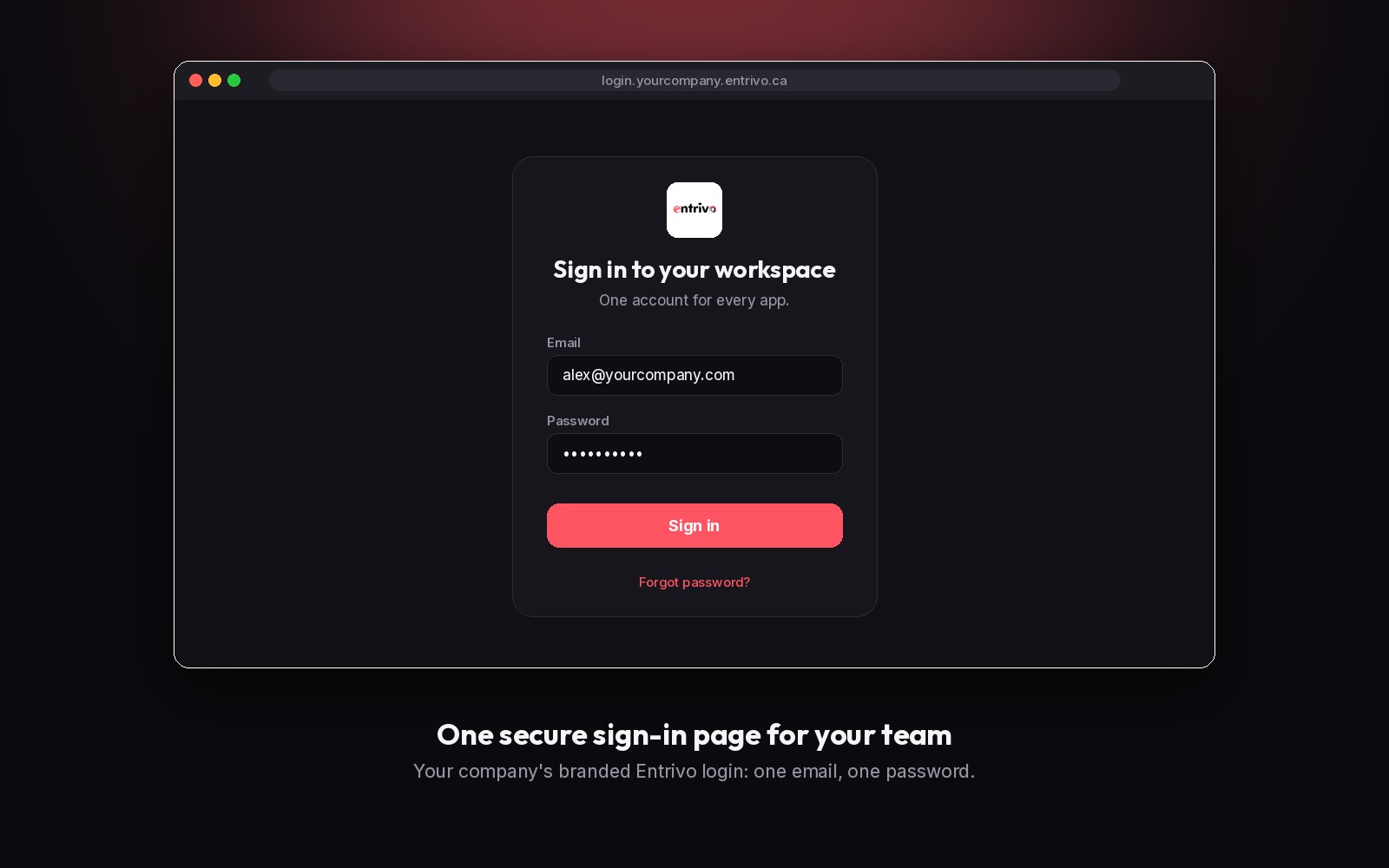
Without Entrivo, every app has its own username and password. With Entrivo, you have just one Entrivo account for work. Your company gets its own branded sign-in page, so you always know you're in the right place.
2. A second step keeps your account safe
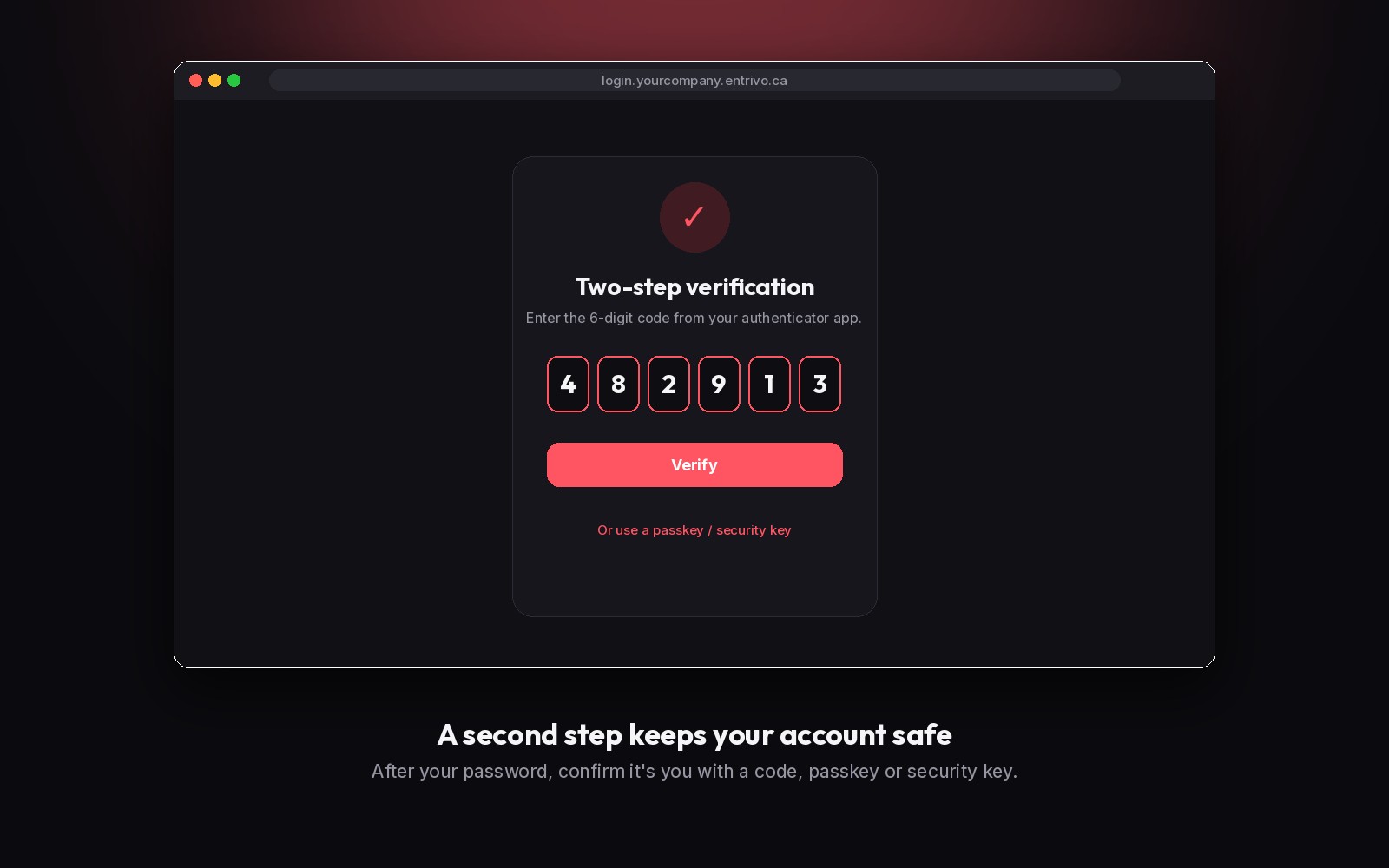
After your password, Entrivo asks you to confirm it's really you. This is called two-step verification (also called MFA). You can use:
- A 6-digit code from an authenticator app on your phone
- A passkey on your computer or phone
- A physical security key
3. Sign in once, open every app
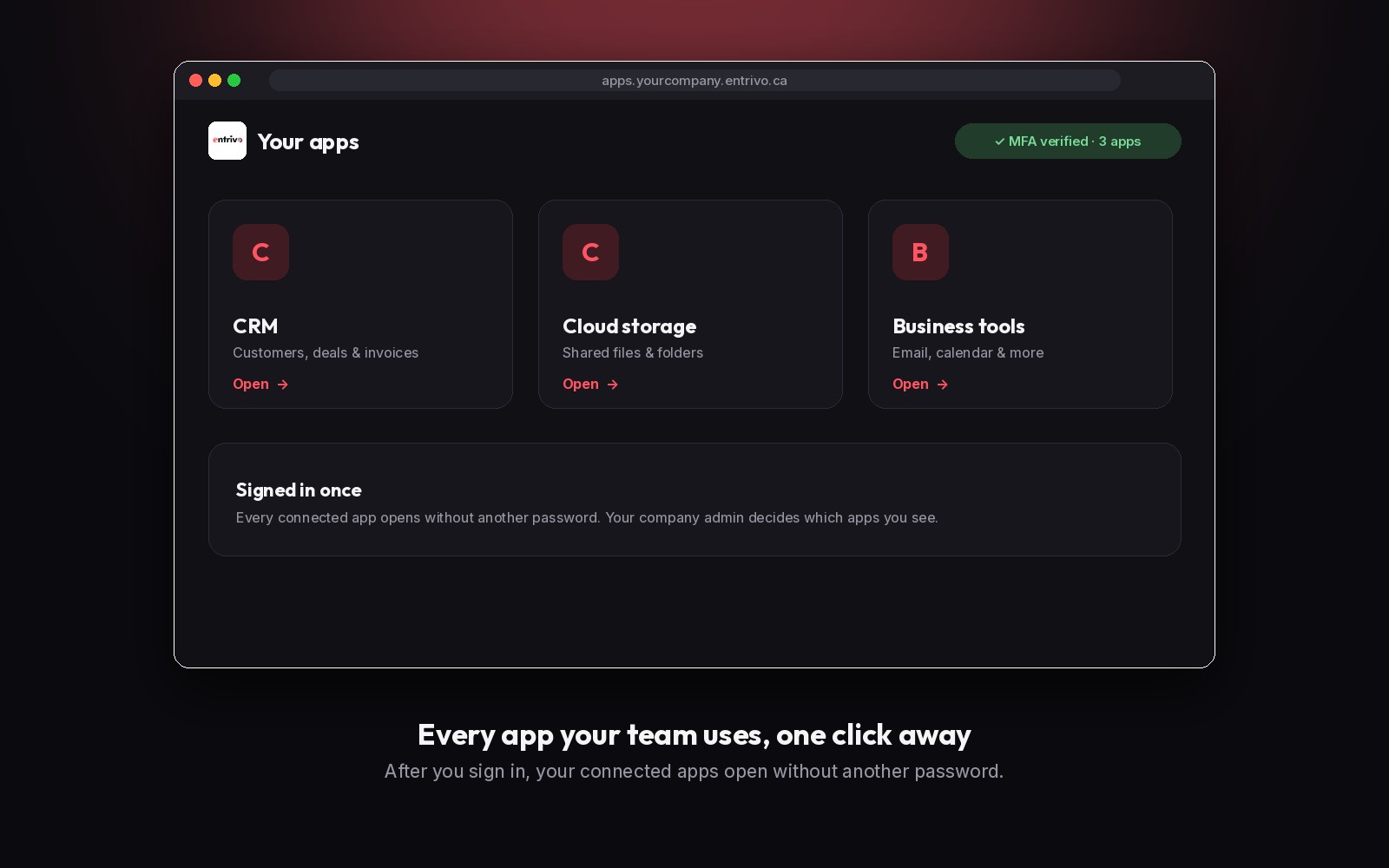
Once you're signed in, your connected apps open straight away: no extra passwords and no separate logins. You only see the apps your company has given you access to.
4. Your admin manages your team
Someone at your company, your Entrivo admin, looks after access for everyone in one place. They can:
- Add new team members and remove people who leave
- Choose which apps each person or team can open
- See active sessions and sign someone out of every app at once
5. Fully managed for you
XDEYE Digital hosts, sets up and supports Entrivo for your business, including updates and monitoring. Sign-ins are protected with password policies and automatic lockouts after repeated failed attempts, and every login is logged for review.
Frequently asked questions
Do I still need my old app passwords?
No. Once an app is connected to Entrivo, you open it with your Entrivo account. Your admin will tell you when each app has moved over.
What if I lose my phone?
Contact your company admin. They can reset your two-step verification so you can set it up again on a new device.
I forgot my password. What do I do?
Click Forgot password? on your sign-in page and follow the email, or ask your admin for help.
Which apps can I use with Entrivo?
Your CRM, cloud storage and other compatible business tools. Your company chooses which apps are connected.
Who do I contact for help?
Start with your company admin. You can also email [email protected]. We reply within one business day.