
Help Center / Training
Adding and connecting your applications
How new apps get added to your workspace, and how to request one.
Entrivo is fully managed. You don't need to connect apps yourself: your company admin, together with the Entrivo team at XDEYE Digital, adds each app to your workspace. Once it's connected, it simply appears on your dashboard.
1. How apps are added
- Your company decides which app should use Entrivo (for example your CRM, cloud storage or accounting tool).
- Your admin asks the Entrivo team to connect it.
- The Entrivo team sets up the secure connection and tests it.
- Your admin chooses who gets access.
2. New apps appear automatically
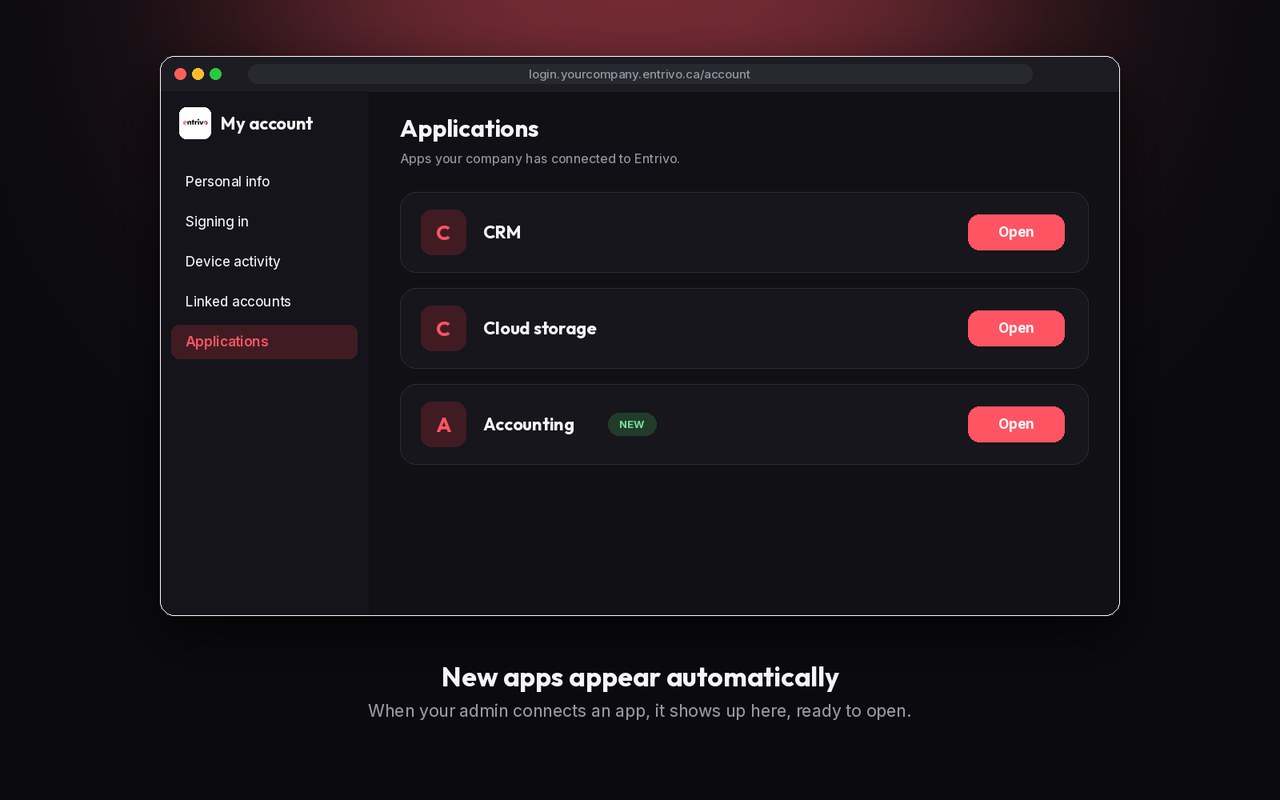
When an app has been connected for you, it shows up under Applications in your account, ready to open. You don't need to install or configure anything.
3. Request a new app
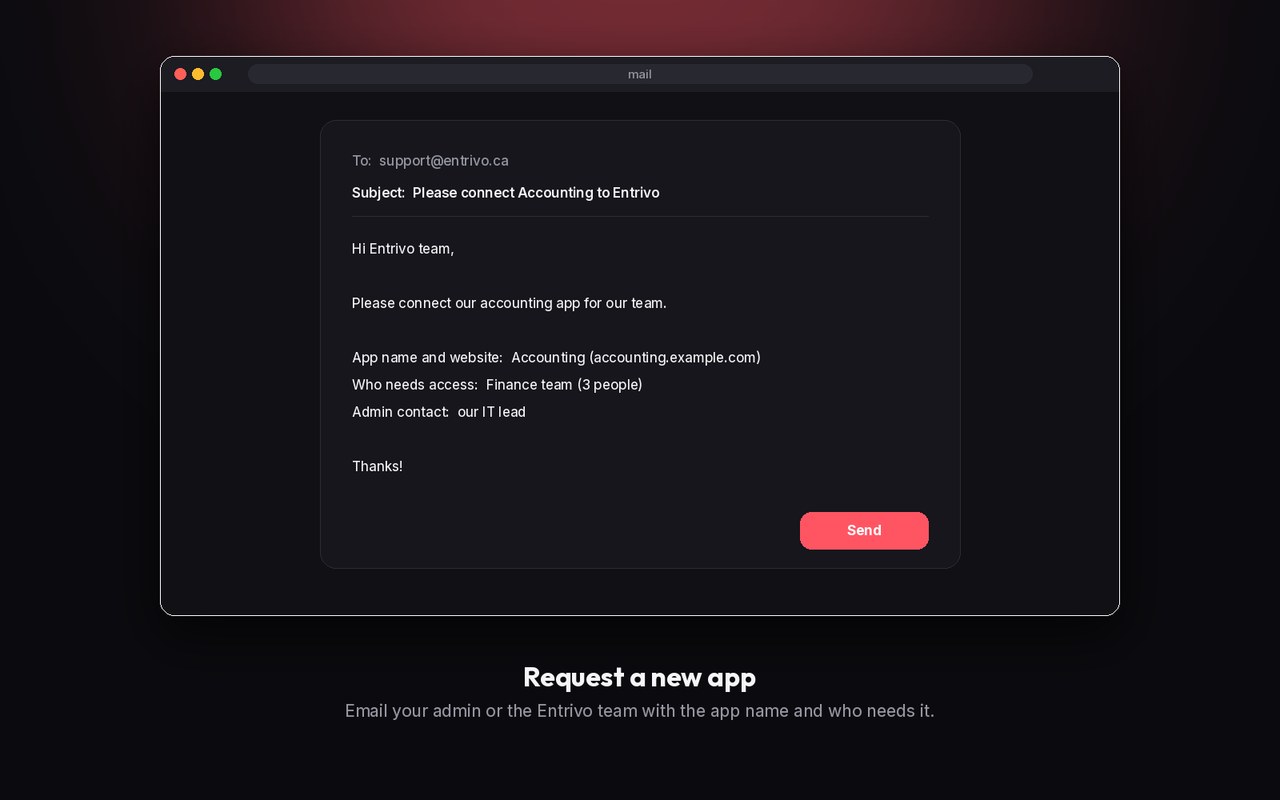
Need an app that isn't there? Email your company admin or [email protected] with:
- The app's name and website
- Who needs access (a person or a team)
- Your company admin's name, so we can confirm the request
Frequently asked questions
How long does it take?
Usually one to two business days after your admin approves the request.
Can I add a personal app?
No. Entrivo is for your company’s work apps, approved by your admin.
I lost access to an app.
Contact your admin. Access may have changed with your role or team.