
Help Center / Training
Signing in for the first time
Open your welcome link, sign in, set your own password and get started in minutes.
When your company joins Entrivo, you receive a welcome email with a link to your company's sign-in page. This guide walks you through your very first sign-in, step by step.
1. Open your sign-in page
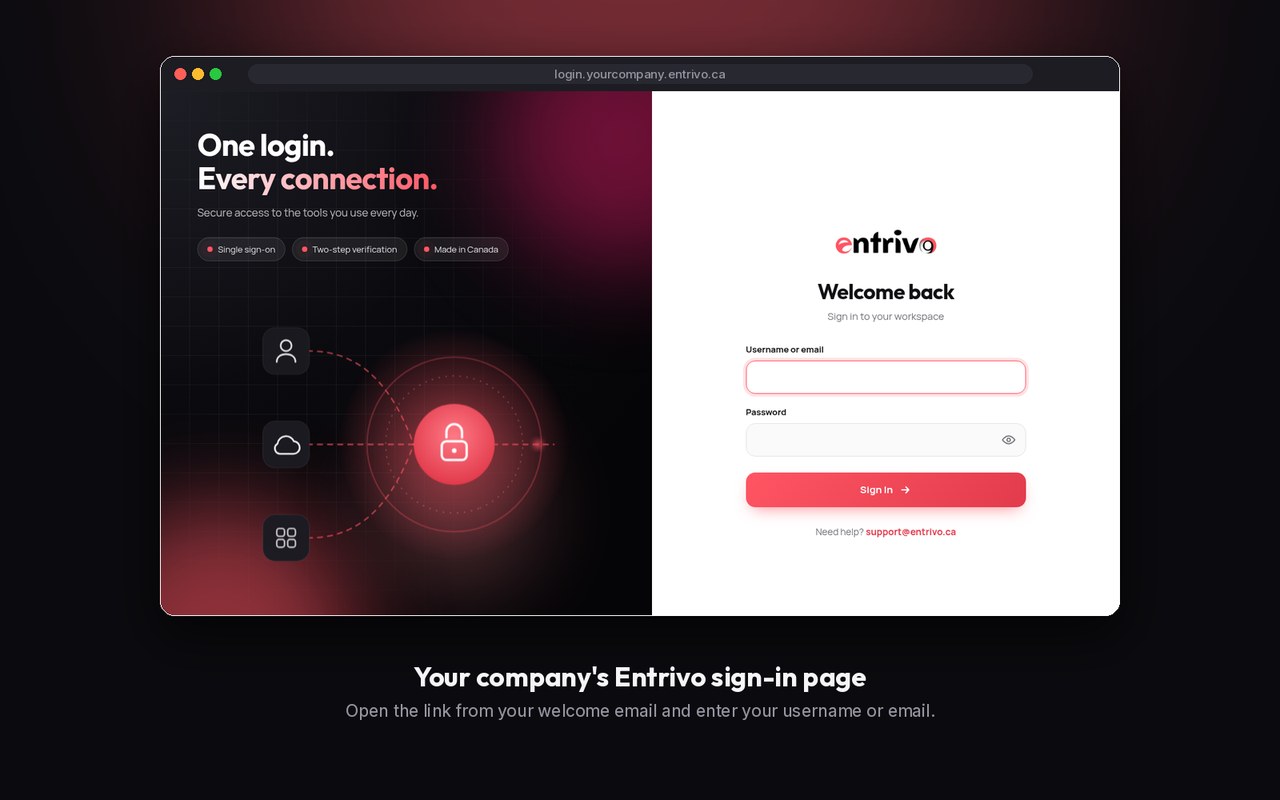
Click the link in your welcome email, or type the address your admin gave you. Bookmark it: this is the one page you will use to reach all your work apps.
2. Enter your username or email and password
- Type your username or work email.
- Type the temporary password from your admin. Click the eye icon to check what you typed.
- Click Sign In.
3. Choose your own password
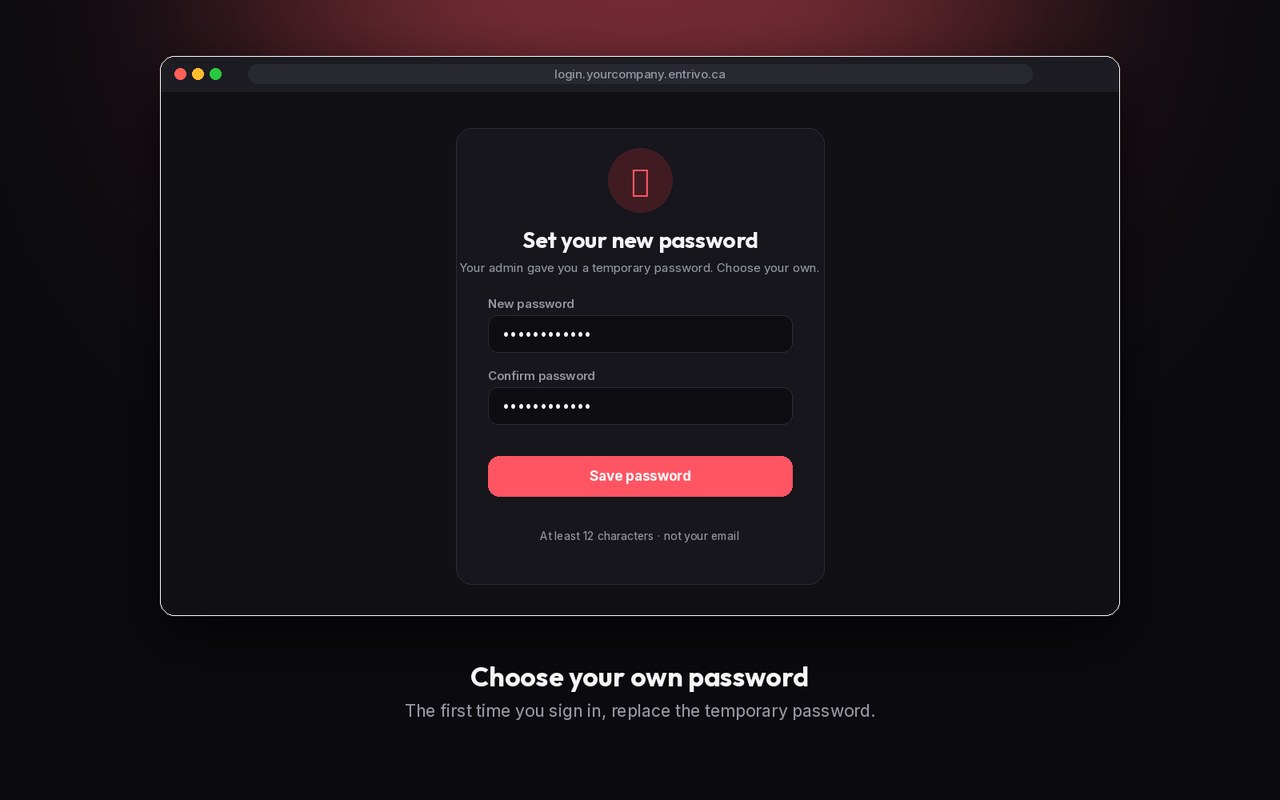
On your first sign-in, Entrivo asks you to replace the temporary password. Enter a new password twice and click Save password.
4. Set up two-step verification
Next, Entrivo asks you to connect an authenticator app on your phone. Follow the guide Setting up two-step verification. It only takes a minute.
5. You're in
After that, you land in your account and can open every app your company has connected. See Your applications dashboard.
Frequently asked questions
My welcome link has expired. What now?
Links expire for safety. Ask your company admin to send a new one, or email [email protected].
It says my username or password is invalid.
Check for typos and Caps Lock. After several failed tries your account is locked for a short time, so wait a few minutes or contact your admin.
Can I sign in on my phone?
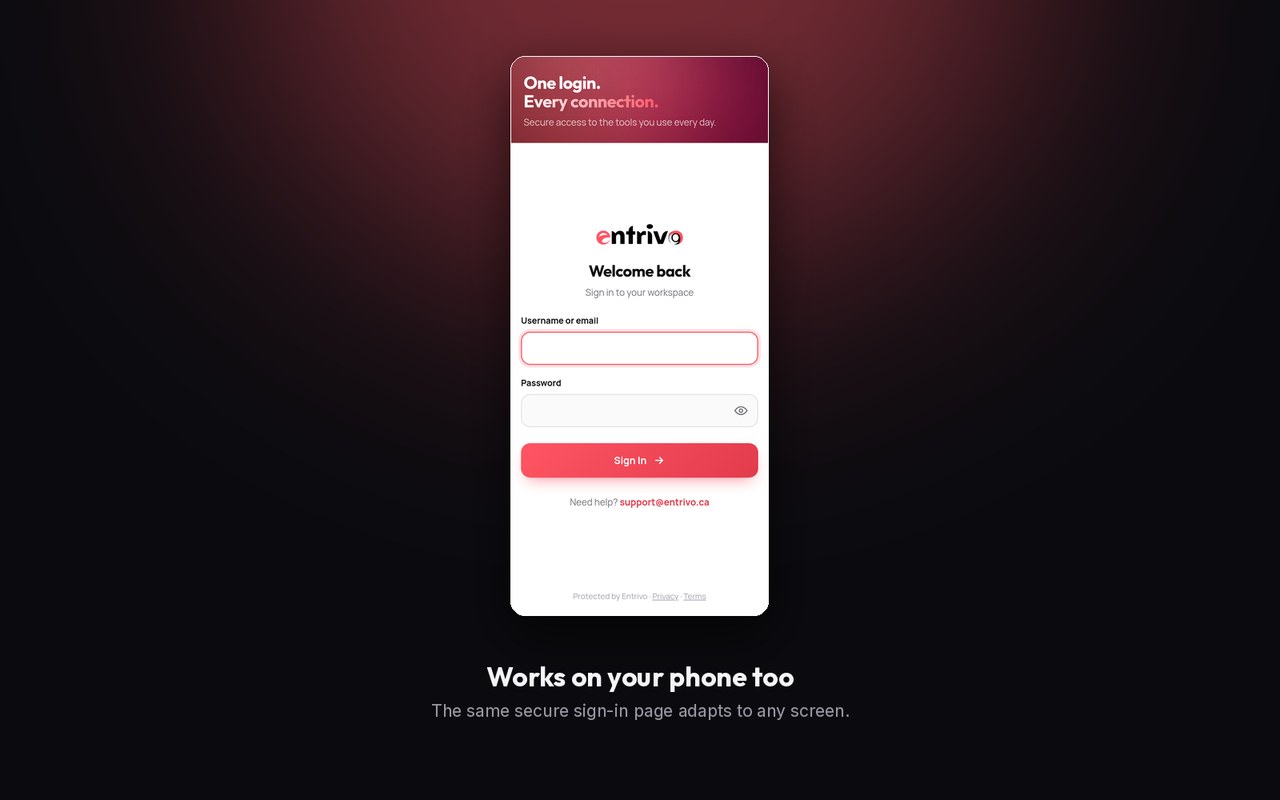
Yes. The sign-in page works in any modern browser on a phone, tablet or computer.